
Welcome to Xcellerate OPS
What Xcellerate OPS is, how a workspace is organised and where to start reading.
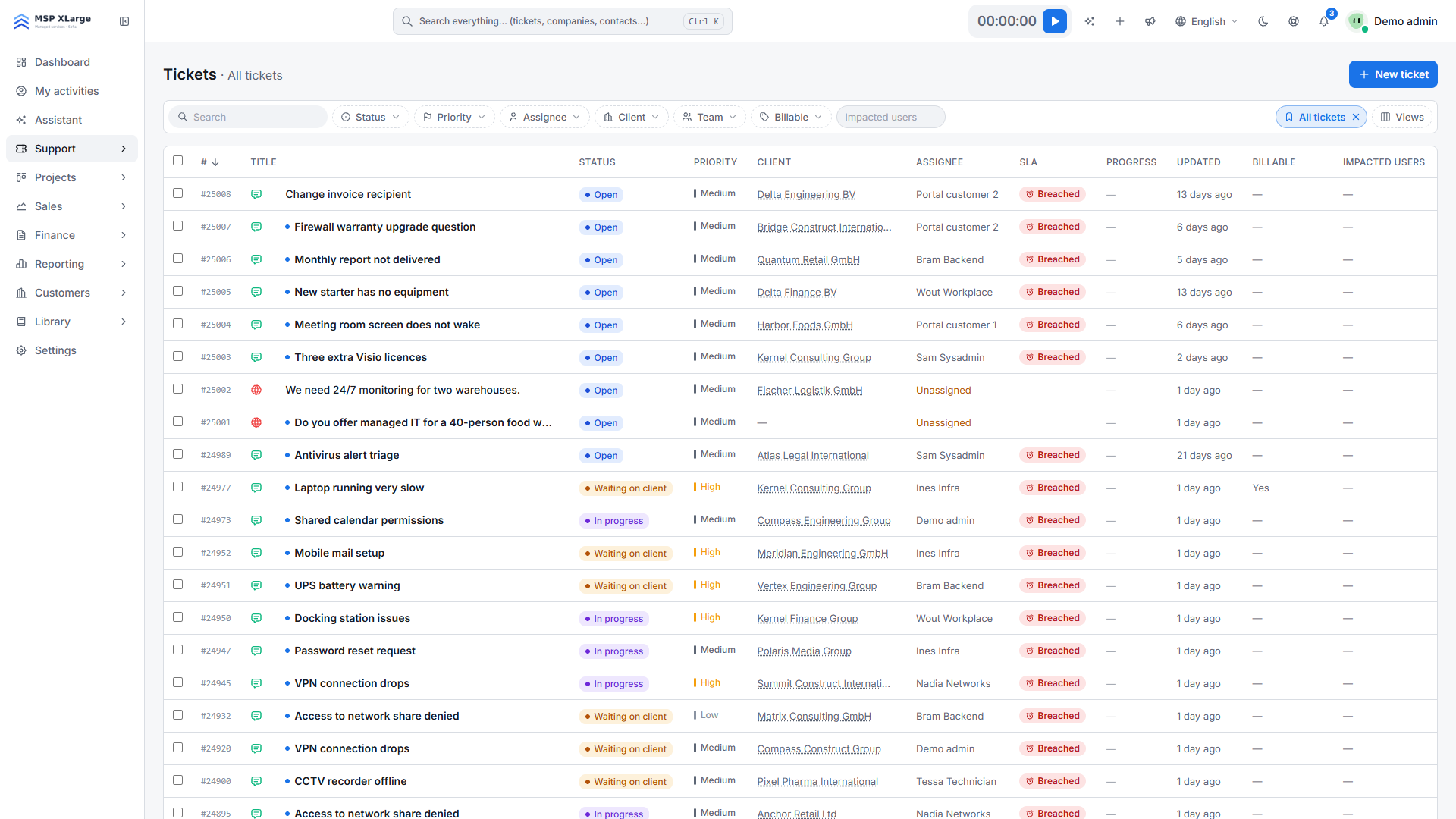
Xcellerate OPS is the workspace where a service business runs its daily work: customer requests and tickets, projects, time and timesheets, quotes, contracts and invoices, with AI built in. This documentation explains where each screen is and what the product does.
Key terms
- Workspace: your own environment in Xcellerate OPS, with its own database and its own address.
- Staff: the people who work in the workspace. An admin manages the workspace; a technician works in it.
- Client portal: the branded side of the workspace where your customers' contacts create and follow their tickets.
- Teams: groups of staff. Teams also decide what each person can open and change.
Where to start
Create your workspace
Sign up and confirm your e-mail address. See Create your workspace.
Answer the getting-started wizard
Five short screens preconfigure the workspace for your type of business. See The getting-started wizard.
Work through the setup guide
The Settings landing page shows what is still missing. See The settings landing page.
Set up teams, people and e-mail
Continue with Teams and permissions, Users and invitations and Connect your mailbox.
Further reading on the blog: Your first hour in Xcellerate OPS: setup checklist, branding and the modules you actually need